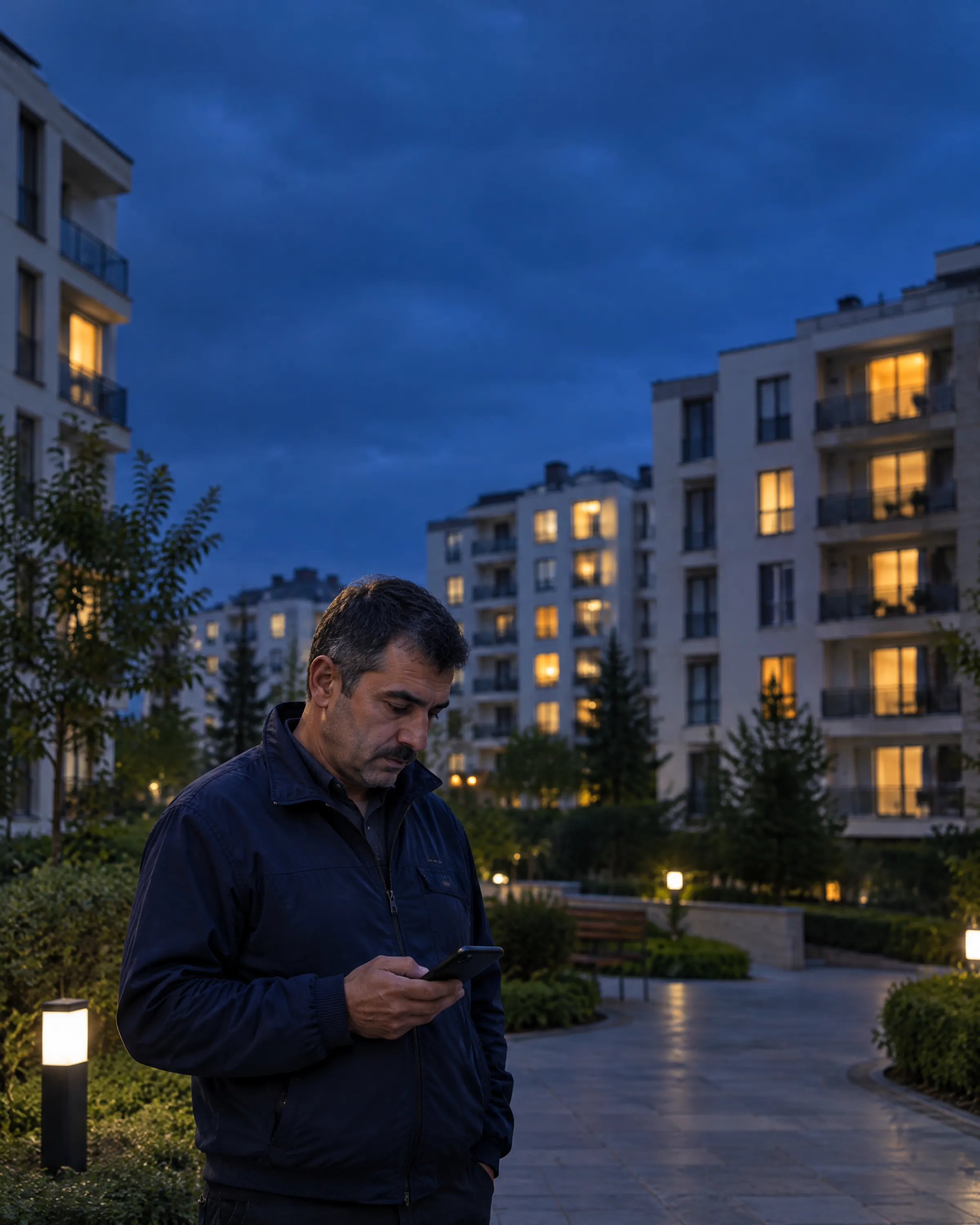

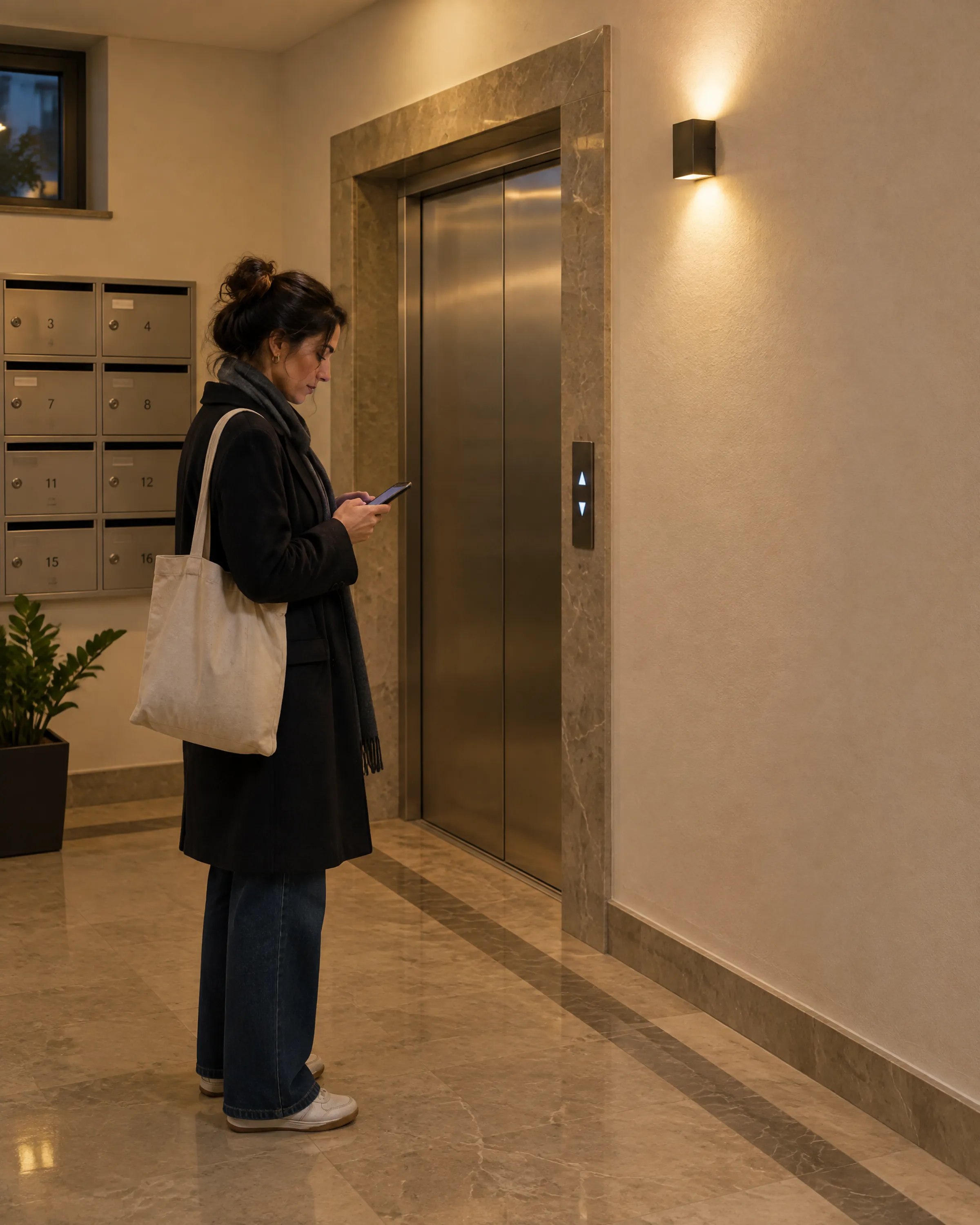
Let the barrier know the plate and the gate expect the guest
A compatible plate recognition camera sends the plate it reads to CasaX. CasaX matches it to the vehicle register, decides whether it's allowed, a pre-registered guest or unknown, and triggers the barrier relay. Gate staff open with one tap in the panel; residents enter with the QR code on their phone and send their guests a time-limited pass.
CasaX doesn't sell hardware and doesn't promise plug-and-play for any specific brand. It works with devices that can send events over HTTP and relays that can be triggered by an HTTP request; the supported event formats are CasaX generic JSON and the Hikvision ISAPI ANPR event.
From plate to decision, from decision to barrier
Every read and every open is recorded; the gate screen updates live.
Plates matched to the vehicle register
A registered, valid vehicle is allowed, a pre-registered guest is a guest, a blocklisted vehicle is denied and the rest are unknown. The decision and the plate read are written to the event log.
Automatic and manual opening
For each device you choose which decisions open it automatically, such as everyone at the exit and only allowed vehicles at the entry. Gate staff open with one tap in the panel or on the phone; every open is logged under their name.
QR access
A resident's personal entry QR code changes every 30 seconds and works once. Residents create a time-limited or single-use pass for a guest and share the link; the turnstile reader has CasaX validate the code.
Log, reports and notifications
Entries and exits, unknown plates, guest overstays and device outages are reported. The host is notified when a guest enters; the gate team is notified when an unknown plate is read or a device goes silent.
Connecting a device
An organization admin sets it up; secrets are stored encrypted and shown once.
Step 1: Add the device
Enter the name, location, type and direction. The device gets its own event address with a secret key; optionally, a time-stamped HMAC signature and an IP allowlist.
Step 2: Choose how it opens
With the generic HTTP relay driver you enter the address, method, headers, body and credentials; Basic, Digest and Bearer are supported. If a plate recognition camera opens a separate barrier, you choose that barrier.
Step 3: A bridge for the local network
Most devices are on the complex's local network and can't be called directly from the cloud. A small computer on site acts as a local bridge, picks up commands from CasaX and triggers the relay; you don't need to open incoming connections.
Step 4: Monitor
A live feed on the gate desk, online status for each device and one-tap opening. Reports show entries, exits and unknown plates for the chosen range.
Security and KVKK
Device keys and relay passwords are stored encrypted; only the last four characters are shown. No requests are sent from the cloud to internal network addresses. Plate and pass records are permanently deleted every night after the period set for the complex (90 days by default); plate images aren't kept by default.
- An event sent twice is recorded once
- A QR code read a second time is rejected
- The gate team is notified once when a device goes silent
- The access log and reports export to Excel and CSV
Features that work together
In CasaX every module shares the same ledger: work done in one shows up in the others on its own.
Which devices does it work with?
Devices that can send the plate they read, or another event, to an HTTP address (in CasaX generic JSON or Hikvision ISAPI ANPR format), and controllers whose relay can be triggered by an HTTP request. Devices that use another format connect through a bridge that converts events to generic JSON. We recommend testing a specific model on site before installation.
My device is on the complex's local network. How does it connect?
For security, CasaX doesn't send requests from the cloud to local network addresses. A computer on site connects outward as a local bridge, picks up open commands and triggers the relay; it can also forward camera events to CasaX. The bridge protocol is documented; a ready-made bridge app isn't distributed yet.
What happens if the internet goes down?
Because decisions are made in CasaX, plate decisions and QR validation aren't possible without a connection. Keep the device's own manual open button or local method. A bridge can buffer events during an outage and send them in bulk when the connection returns.
Can a resident's QR code be shared as a screenshot?
The code changes every 30 seconds and each code passes once; the same code read a second time is rejected. For a guest, the resident creates a time-limited or single-use pass and can revoke it at any time.
How long are plate and pass records kept?
For the period set for the complex (between 7 and 730 days, 90 by default). Expired records are permanently deleted every night. Plate images are kept only if the setting is on, only as the plate crop and briefly; they aren't put in general file storage.
Manage entry with CasaX.
Connect one device first and watch plate reads and opens arrive live on the gate desk.